
Method to Generate Royal Mail Label via QR Code: Digital Label Manufacturing
Royal Mail, the UK's postal service, has introduced a new way to ship parcels - QR code labels. This innovative approach simplifies the shipping process, making it faster, more eco-friendly, and flexible for both personal and business use.
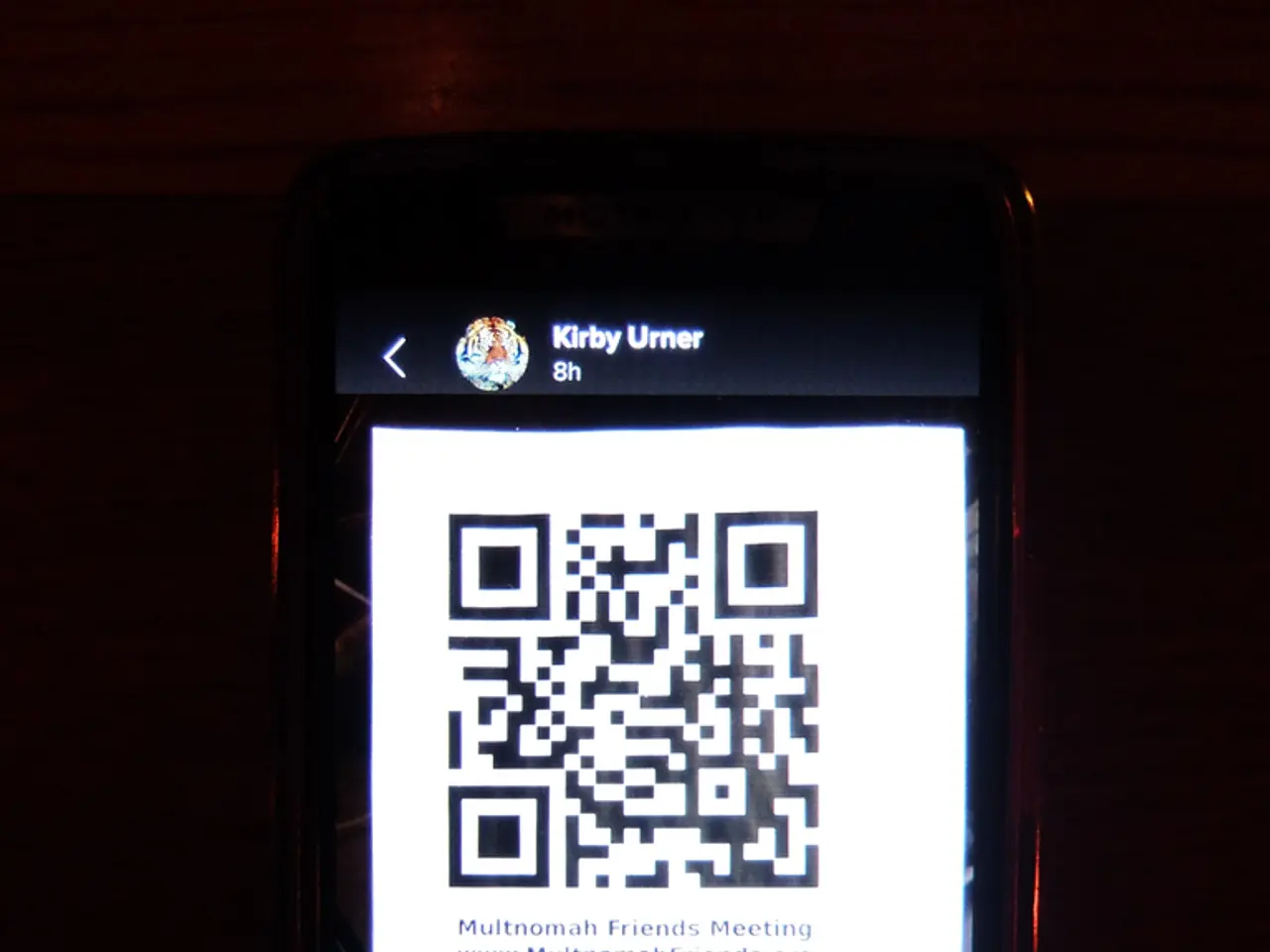
The process begins with creating a QR code. Merchants generate a QR code via a shipping or returns portal, such as EasyPost or Royal Mail's online system. This QR code encodes the shipment or return information and acts as a digital shipping label.
Once created, the QR code is either emailed or made available digitally to the customer or shipper. At the post office or designated drop-off location, the QR code is scanned at a self-service kiosk or by staff. This scan links to the shipping information, allowing immediate printing of a physical label if needed or direct shipment processing without printing.
Tracking the shipment or return is straightforward. Merchants and customers can track the shipment or return through the carrier’s tracking system, as the QR code corresponds to a valid carrier tracking number.
Best practices for using Royal Mail's QR code labels include attaching labels securely and flat, ensuring the barcode is visible, selecting the appropriate shipping service, and double-checking shipping address accuracy. If scanning fails, check the code for damage, make sure your printer is set right, use a current app, and if it doesn't work, try again or call Royal Mail.
Print shops can print your label, but make sure the QR code is clear and the right size for scanning. Common QR code scanning problems can be resolved by ensuring the QR code is clear, checking the device camera, updating the scanning app, and having a good internet connection.
Royal Mail's mobile apps allow fast QR code printing for shipping labels. Most phones have QR code readers in their camera apps for scanning Royal Mail labels. Mobile apps like Google Lens, QR Code Reader, and the Royal Mail app work best for scanning Royal Mail QR codes.
It's important to note that Royal Mail labels are good for 30 days, after which a new one is needed for the package to be processed and shipped. Keeping shipments safe requires using strong packaging materials and wrapping fragile items well.
In summary, Royal Mail QR code labels are digitally generated shipping labels delivered via QR codes that customers scan at the post office for shipment, replacing traditional paper labels and facilitating a faster, paperless shipping workflow. This system offers benefits such as good prices, fast label making, and the ability to pick delivery options and add package details easily. Approval from Royal Mail or the carrier is required to ensure the QR code label complies with their requirements.
- The new shipping method introduced by Royal Mail, QR code labels, simplifies the process of shipping parcels by encoding the shipment or return information as a digital label and scanning it at the post office.
- Creating a QR code can be done via shipping or returns portals like EasyPost or Royal Mail's online system, which then allows immediate printing of a physical label if needed or direct shipment processing without printing.
- When using Royal Mail's QR code labels, it's crucial to attach the labels securely and flat, ensure the barcode is visible, and select the appropriate shipping service while double-checking shipping address accuracy.
- Once the QR code is scanned at the post office or designated drop-off location, the shipping information is linked, and tracking the shipment or return is straightforward through the carrier’s tracking system.
- Print shops can print QR code labels, but it's essential to ensure the QR code is clear and the right size for scanning to avoid common scanning problems.
- There are various mobile apps like Google Lens, QR Code Reader, and the Royal Mail app that can work best for scanning Royal Mail QR codes on smartphones, making it a convenient solution for retail businesses in the technology industry, such as shipping gadgets or smartphones.




