
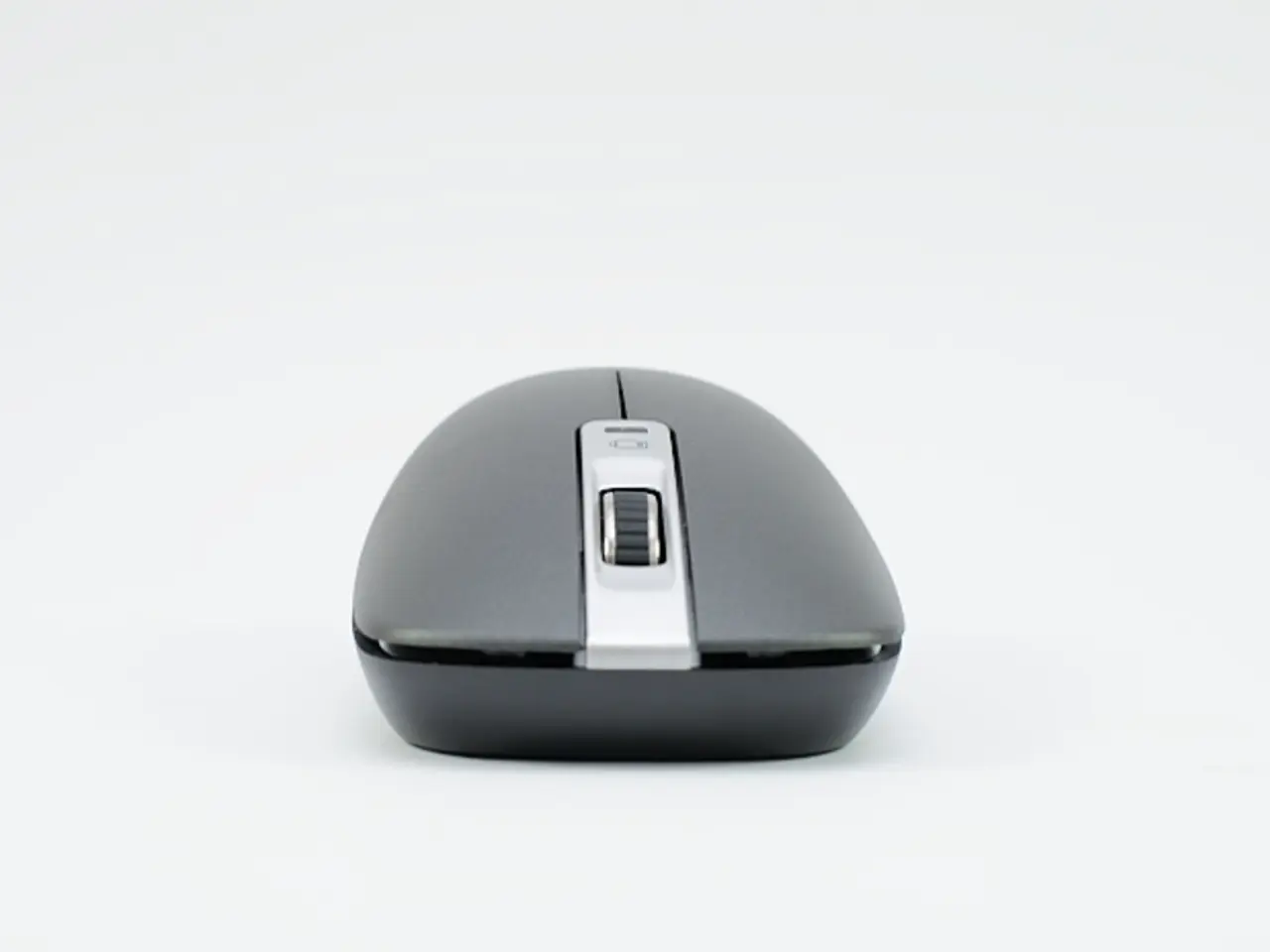
Top Chromebook-Compatible Mice of 2025
Chromebooks, known for their simplicity and portability, can be enhanced with the right accessories. One such accessory that can significantly improve the user experience is a wireless mouse. In this article, we'll explore the top wireless mice for Chromebooks that balance ergonomics, portability, and good performance for multitasking and gaming.
For Ergonomics and Productivity with Some Gaming Capability
The Logitech MX Master 3S stands out as a top choice for those seeking a mouse that offers both comfort and performance. With its contoured design, this mouse reduces wrist strain, making it ideal for long hours of productivity and casual gaming. The MX Master 3S features advanced wireless technologies including Bluetooth and LIGHTSPEED wireless, providing ultra-low latency and a stable connection suited for multitasking and gaming performance.
For Gaming-Focused Lightweight Use
When it comes to gaming, the Razer Viper V3 HyperSpeed is a favourite among gamers. Weighing just 82 grams, this lightweight mouse delivers great performance and its hyper-speed wireless connection ensures low latency ideal for gaming sessions on Chromebooks.
For Portability and Quiet, Multi-Device Use
The Logitech Pebble Mouse 2 (M350S) is a slim, ambidextrous mouse designed for portability. It’s ultra-quiet, has multi-device connectivity, and runs up to two years on a single AA battery, making it an excellent companion for on-the-go multitasking.
Solid Ergonomics and Value from Lenovo
Lenovo's offerings also provide solid ergonomics and value. The Lenovo WL310 includes adjustable DPI settings and Silent Click Technology for quiet use, offering a balance between comfort and performance for Chromebook users. The Lenovo 530 Wireless Mouse is ergonomically designed to reduce wrist pressure, suitable for both left- and right-handed users, with 12 months of battery life. It offers reliable 2.4 GHz wireless connectivity, ideal for extended use on Chromebooks.
Additional Ergonomic Options
For those who prefer a semi-vertical design, the Goldtouch Semi-Vertical Mouse offers adjustable weights and multiple DPI settings, enhancing comfort and precision over long use periods. The Anker 2.4G Vertical Mouse is budget-friendly, lightweight, and ergonomic with back/forward buttons. Although the buttons may be harder to press, it may be suitable for users preferring vertical mouse designs.
In conclusion, whether you're looking for ergonomics and productivity with some gaming capability, gaming-focused lightweight use, portability, or quiet, multi-device use, there's a wireless mouse out there to suit your needs. The Logitech MX Master 3S, Razer Viper V3 HyperSpeed, Logitech Pebble Mouse 2, Lenovo WL310, and Lenovo 530 Wireless Mouse are all excellent choices for Chromebook users. For more specific needs, the Goldtouch Semi-Vertical Mouse and Anker 2.4G Vertical Mouse are worth considering.
The Logitech MX Master 3S, with its contoured design and advanced wireless technology, offers a comfortable and high-performing mouse for multitasking and casual gaming on Chromebooks. On the other hand, the Razer Viper V3 HyperSpeed, with its lightweight build and hyper-speed wireless connection, is a preferred choice for gaming sessions on Chromebooks. These gadgets bring convenience and technology together to enhance user experience on Chromebooks.




